

CREATING A SNOWFLAKE FULL ACCOUNT
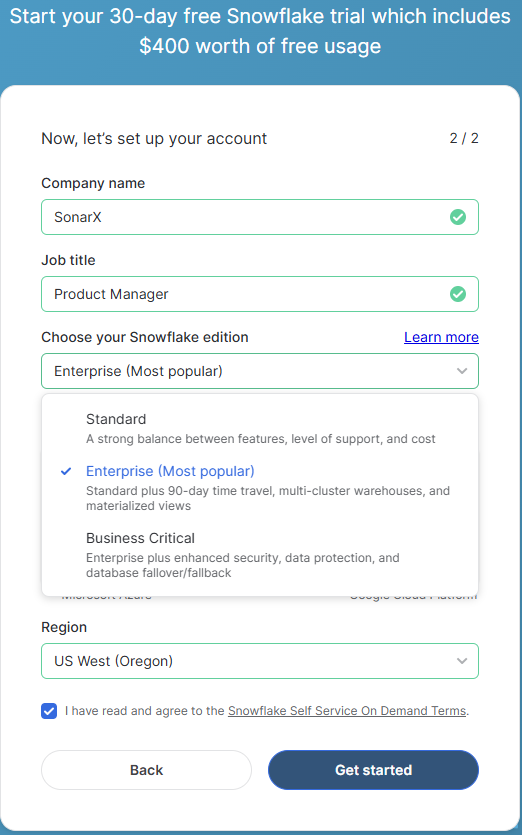
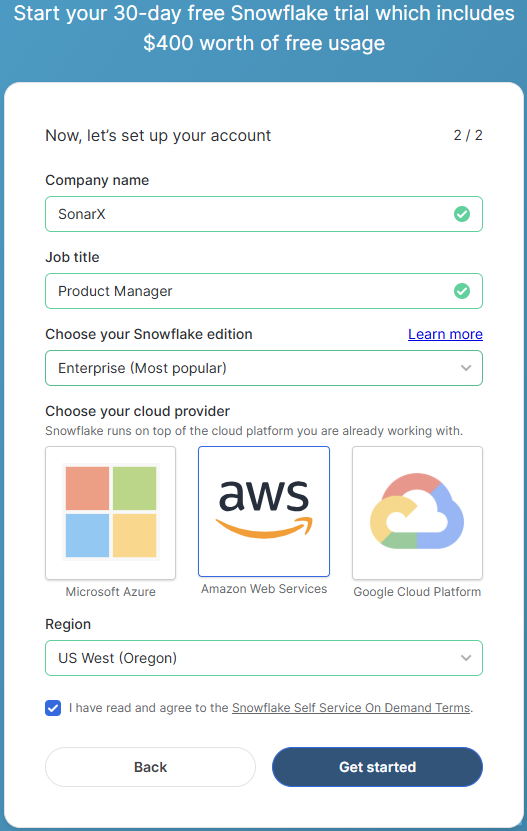
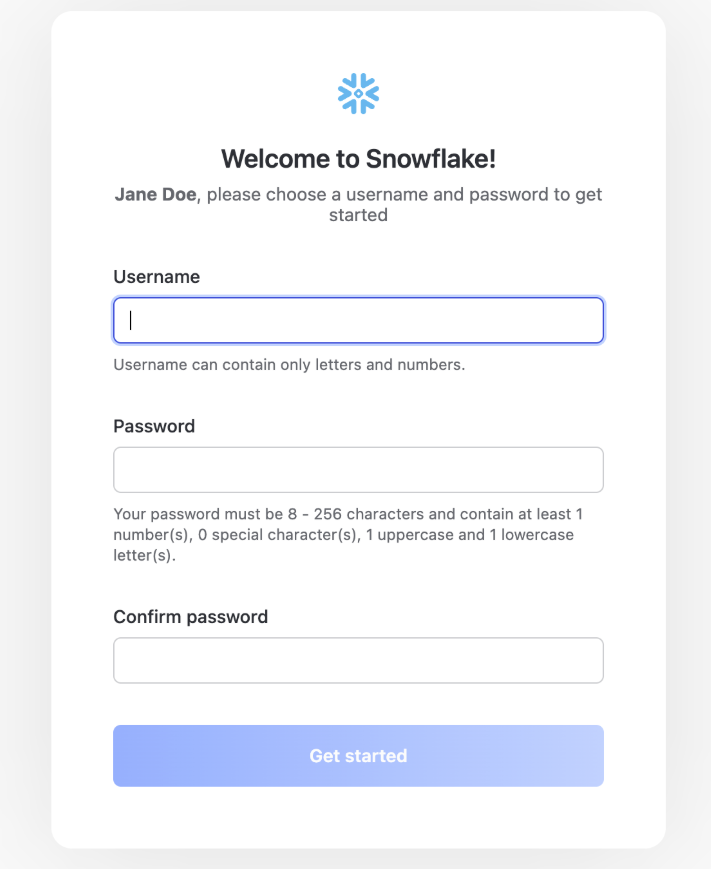
To create a free Snowflake account, click here. Fill out the requested information and click on the blue “Continue” button to proceed.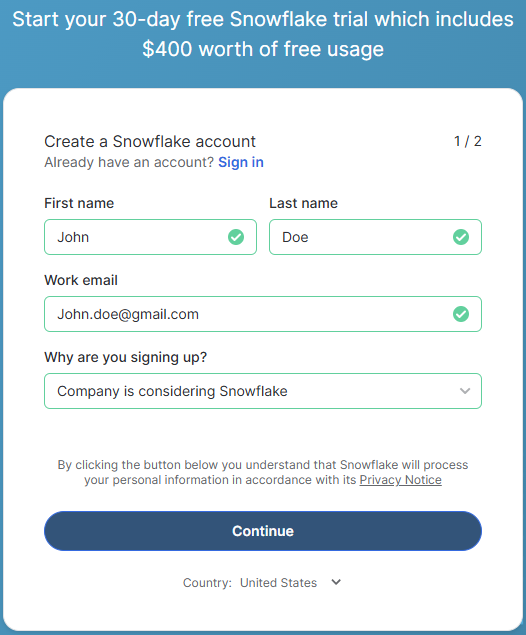
ACCESSING YOUR DATA SHARE
To access your data share, there are two prerequisites you need to accomplish before proceeding:- Ensure your account region is set to US_WEST_2 (Oregon).
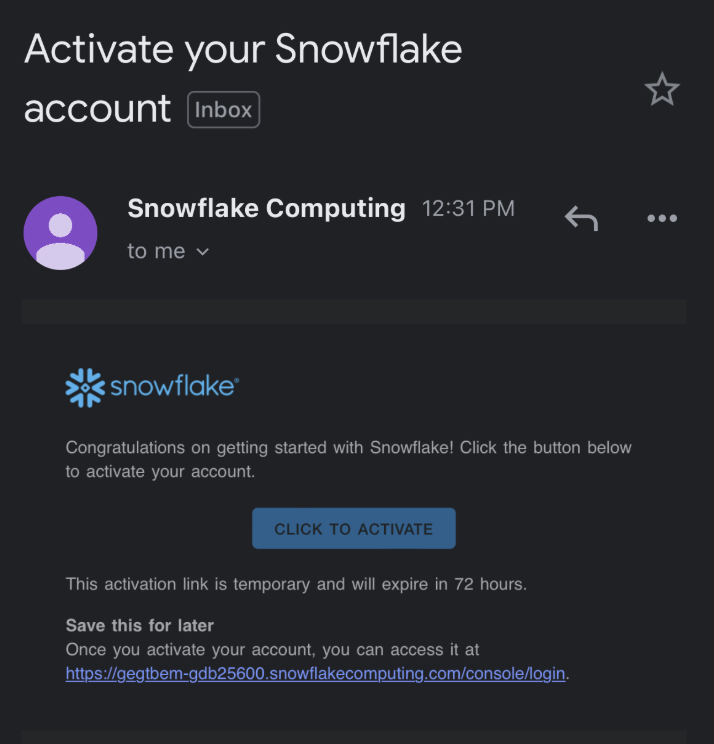
- Share your account identifier with SonarX via email, Slack, or preferred method.
GETTING YOUR DATA
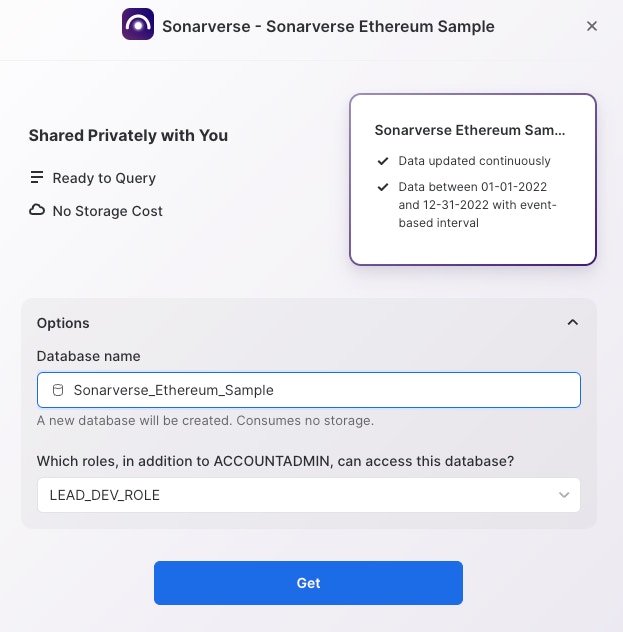
Once SonarX has granted you access to your data share, go back to your dashboard and navigate to the “Data Products” section on the left-hand side of the dashboard. Under data, go to private sharing to view your private data shares. SonarX’s data share should be visible to you. Click the blue “Get” button to save the data share.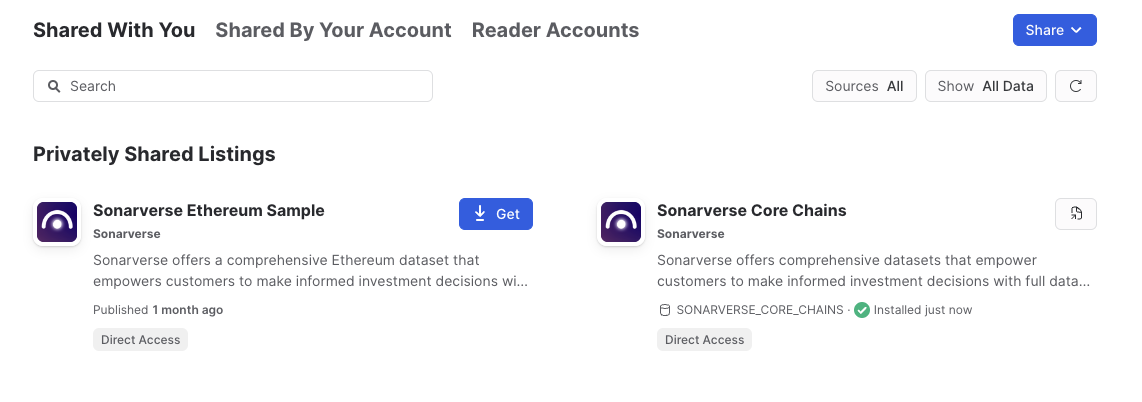
LEARN MORE ABOUT SonarX
- Visit our website
- Check out all of our documentation
- For any questions, requests, or feedback, send us an email at onboarding@sonarx.com